Bambu Lab A1 mini Review: The Small Printer That Prints Big
Bambu Lab A1 mini
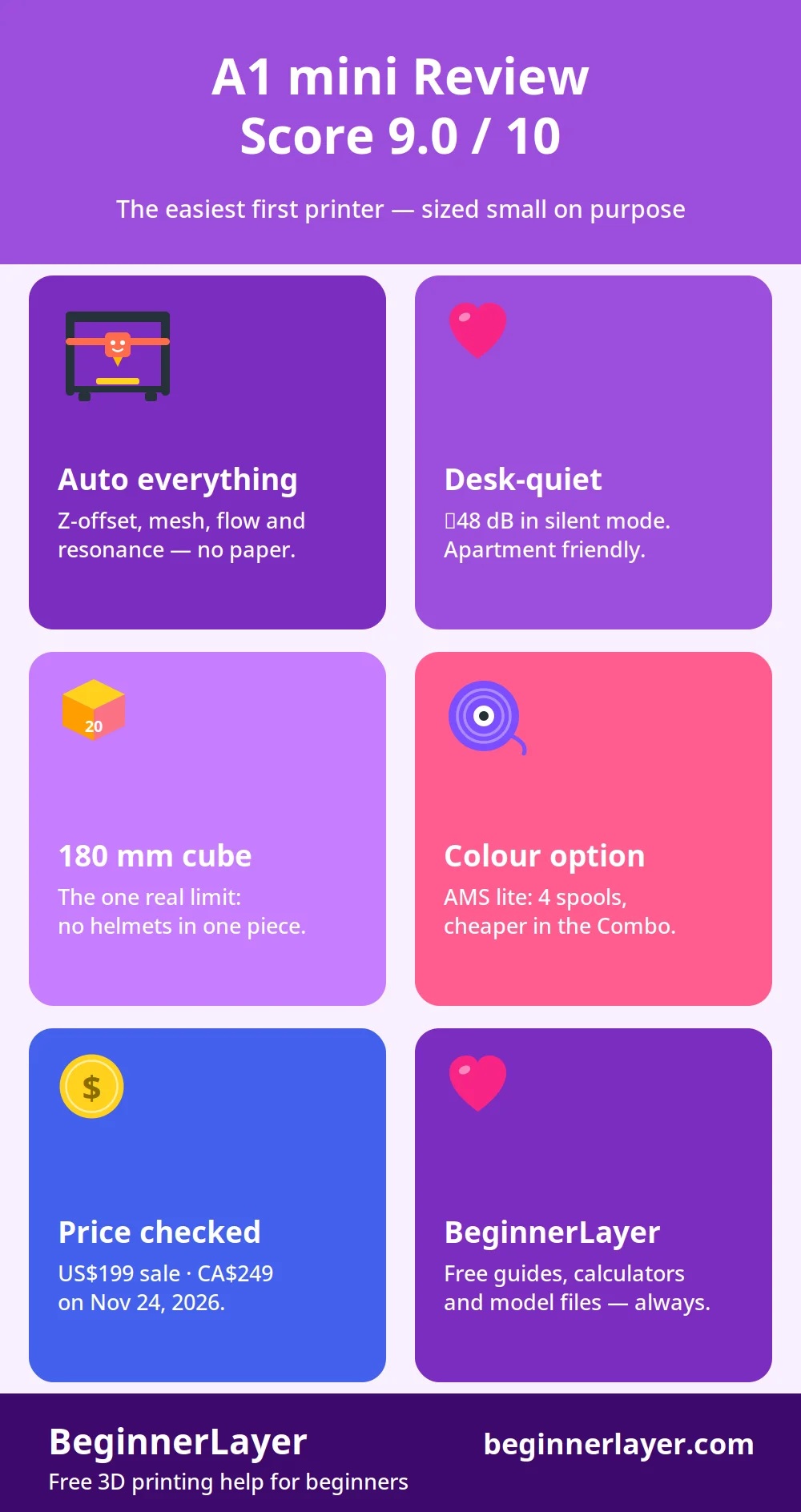
- Full auto calibration — Z-offset, bed mesh, flow and resonance — no paper, no knobs
- Genuinely quiet at ~48 dB; a desk printer, not a garage printer
- AMS lite option adds tidy 4-colour printing later
- 180 mm cube build volume outgrows ambitious projects fast
- Open frame: PLA/PETG/TPU yes, ABS/ASA no
What the A1 mini is
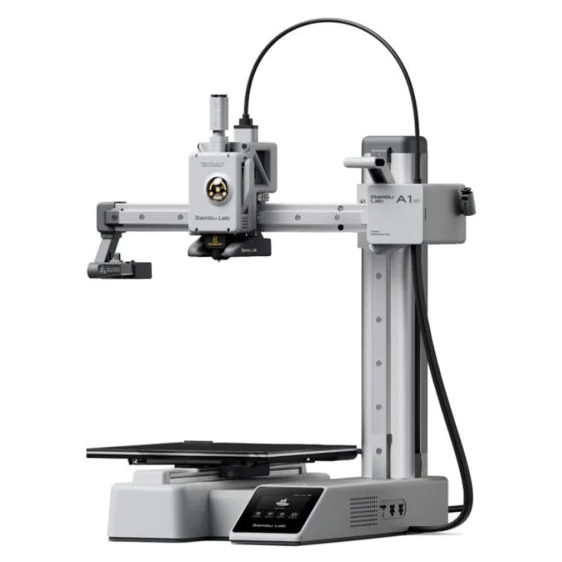
The A1 mini is Bambu Lab's smallest and cheapest printer: a compact bed-slinger with a 180 × 180 × 180 mm build volume, a 300 °C all-metal hotend, quick-swap nozzles, and the full automatic calibration suite that made the A1 series famous — automatic Z-offset via an eddy-current sensor in the toolhead, automatic bed meshing, automatic flow calibration, and active motor-noise cancellation that keeps it near 48 dB in silent mode. It is the same printing brain as the bigger A1, in a machine the size of a large toaster. That positioning matters: this is not a cut-down toy, it is the full modern experience with one deliberate compromise — size.
Score breakdown
| Category | Score /10 | Why |
|---|---|---|
| First-print success | 9.6 | Auto everything: calibration, flow, tangle and runout detection remove the classic beginner failures |
| Print quality | 9.0 | Same hotend and motion quality as the A1; resonance compensation keeps corners clean |
| Ease of use | 9.5 | Quick-swap nozzle, clear screen prompts, app monitoring; genuinely appliance-like |
| Size & versatility | 7.0 | 180 mm cube; open frame excludes ABS/ASA and other hot materials |
| Noise & footprint | 9.5 | ~48 dB and a small desk footprint — the apartment-friendly pick |
| Value | 9.4 | US$199 on sale at Bambu's store (checked Nov 24, 2026) undercuts everything comparable |
| Overall beginner score | 9.0 | The easiest start in 3D printing, sized small on purpose |
Specifications
| Item | Bambu Lab A1 mini |
|---|---|
| Build volume | 180 × 180 × 180 mm |
| Motion | Bed-slinger, linear rails, active motor noise cancellation |
| Max speed / acceleration | 500 mm/s · 10,000 mm/s² |
| Hotend | All-metal, 300 °C max, quick-swap nozzle (0.4 mm fitted) |
| Calibration | Fully automatic: Z-offset, bed mesh, flow dynamics, flow rate, resonance |
| Materials | PLA, PETG, TPU, PVA (no ABS/ASA — open frame) |
| Multicolour | Optional AMS lite (4 spools) — the 'Combo' bundle |
| Noise | ≈48 dB in silent mode |
| Monitoring | Camera (low frame rate), app + desktop slicer, runout & tangle detection |
Living with it: the honest limits
Size first, because it is the whole decision. 180 mm sounds abstract; in practice it fits keychains, desk organisers, phone stands, small plant pots, board-game pieces, brackets and most 'useful print' projects — and it does not fit a wearable helmet in one piece, a full-size cosplay prop, a large lampshade, or many storage boxes. Slicers can split big models, and many owners happily do, but if your project list already leans large, the standard A1 (256 mm) is the correct buy, not this one. Second, the open frame: PLA, PETG and TPU are its world. ABS and ASA need an enclosure to avoid warping and fumes, and bolting a tent around a mini defeats its desk-friendly point.
The smaller honest notes: the camera is a low-frame-rate monitoring camera, fine for checking a print, not a timelapse star. The AMS lite sits beside the printer on its own stand and takes desk width — measure your space for the Combo. Multicolour printing produces purge waste ('poop') on every colour change; on small models the waste can rival the model, which our filament cost calculator will show you in grams before you commit. None of these are flaws at the price; they are the shape of the product.
Running costs — Year 1
Budget beyond the sticker: filament is the real consumable — a beginner printing weekly will use roughly 3–6 kg in year one at about US$15–25 per kilogram for good PLA/PETG, so US$60–150. Multicolour printing adds purge waste on top. Wear parts are gentle: the 0.4 mm nozzle lasts many months on standard filaments (abrasive filaments shorten that), build plates last a year or more with sane care, and the machine's electricity draw is modest — bed-slingers sip compared with big enclosed machines, so power is a few dollars a month of hobby printing, not a budget line. The one cost to plan is the AMS lite if you did not buy the Combo: it is cheaper bought bundled than added later.
Prices checked — November 24, 2026
Prices move weekly in this market, so we print what we verified and when: at Bambu Lab's own US store the A1 mini was US$199 on November 24, 2026 (Black Friday event price, listed as running October 27 – December 1, 2026); its typical non-sale store price this autumn was US$219, with the AMS lite Combo around US$329. In Canada, Best Buy Canada listed it at CA$249–249.99 the same week (sale ending November 30, 2026). Amazon pricing runs through the button below — check it against the store price, because during Bambu's own sales the brand store is usually cheapest. (Launch context: the mini originally launched at US$299 standalone, so current pricing is a full class lower than two years ago.)
Also considered
Bambu Lab A1 (256 mm) — the same experience, bigger bed; the upgrade if size is your only hesitation. Elegoo Neptune 4 — faster on paper, cheaper at times, but asks more tuning of its owner. Creality Ender-3 V3 SE — the budget veteran: capable, and a better teacher of the hobby's mechanics, precisely because it automates less. Our full five-printer comparison, with Year-1 cost columns, is the best beginner printers guide; the A1 mini's closest family fight is in A1 vs P1S vs K1.
Updates and dated notes
November 24, 2026: review published with prices verified the same day (Bambu US store sale US$199; Best Buy Canada CA$249–249.99). Scoring basis: manufacturer specifications, documented features and patterns across published owner reports — see 'How we score' on our comparisons hub. We re-check prices monthly and note changes here rather than silently editing them.
Common mistakes
- Buying the mini for a project list that is already large-format — the 180 mm bed is the product, not a detail.
- Pricing only the printer: add 3–6 kg of filament for year one, and the AMS lite is cheaper in the Combo bundle.
- Judging multicolour waste after buying: run your model through a filament-cost estimate first — purge waste on small models is real.
- Putting it in an enclosure to print ABS — buy an enclosed printer instead; the mini's virtue is being open, small and quiet.
- Paying a marketplace markup during Bambu's own sale weeks — check the brand store price first.
Printable quick-fix summary
- Score 9.0/10 — the easiest first printer, deliberately small.
- 180 × 180 × 180 mm, ~48 dB, full auto calibration, optional AMS lite colour.
- Prices checked Nov 24, 2026: US$199 sale (US$219 typical) · CA$249–249.99.
- Year 1 extras: roughly US$60–150 of filament; nozzle and plate are slow consumables.
- Skip it if your projects are large or need ABS — buy the A1 or an enclosed machine.
Print this box (the page is print-styled for it) and keep it by the printer.
Opens the print dialog — choose “Save as PDF” and you get this page as a clean BeginnerLayer PDF, masthead and all.
Questions people ask
Is the A1 mini big enough for a beginner?
For most first-year projects — organisers, stands, toys, brackets, small decor — yes. It is too small for helmets and large props in one piece. If your wishlist already includes those, start with the 256 mm A1 instead.
A1 mini or A1 mini Combo?
The Combo adds the AMS lite for 4-colour printing and automatic filament switching. If you will print colour models or hate manual filament swaps, the bundle is cheaper than adding it later; for single-colour functional printing, the base machine loses nothing.
Can the A1 mini print TPU and PETG?
Yes — its direct-drive extruder and 300 °C hotend handle PETG and 95A TPU well. ABS/ASA are out: the open frame cannot hold the warm, still air those materials need.
How loud is it really?
Bambu rates silent mode around 48 dB — roughly a quiet conversation in the next room. It is one of the very few printers most people can run in a bedroom or office without it becoming the topic of conversation.
Sources
- Bambu Lab — A1 mini product page & store
- Best Buy Canada — Bambu Lab A1 mini listing
- BeginnerLayer — best 3D printers for beginners