PETG Problems: Taming the Stringy, Sticky Filament
Why PETG behaves differently
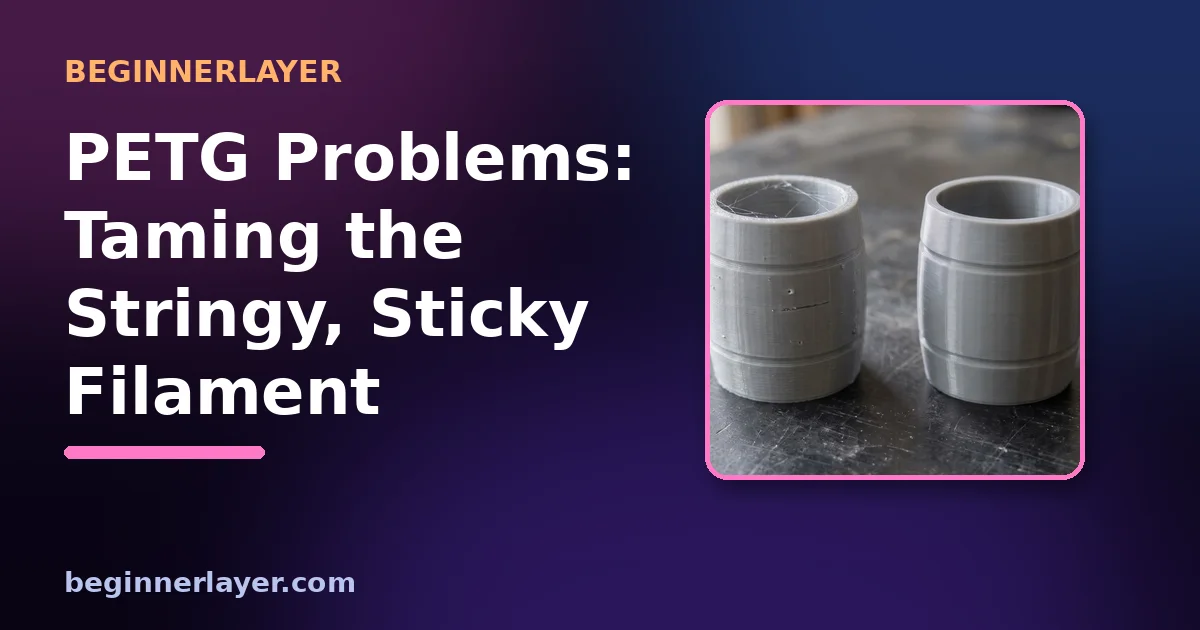
PETG sits between PLA and ABS in almost every property, but its personality is its own. It stays 'tacky' longer as it cools, so strands stretch between points instead of snapping cleanly — that is the stringing. It bonds aggressively to many surfaces, including itself and bare glass, which is why it both sticks beautifully and destroys build plates. It absorbs moisture steadily, and wet PETG prints with bubbles, haze and weak layers. And its melt is less forgiving of speed: push it like PLA and it under-extrudes and tears. None of these are defects in the filament; they are the material's terms and conditions. Print on PETG's terms and it is one of the most useful filaments a beginner owns — strong, slightly flexible, UV-tolerant and nearly warp-free.
Quotable fact: PETG bonds so aggressively to glass and some smooth plates that it can rip chips out of the surface as the part cools — the only common filament where 'sticks too well' is the headline problem.
Problem 1 — stringing and oozing
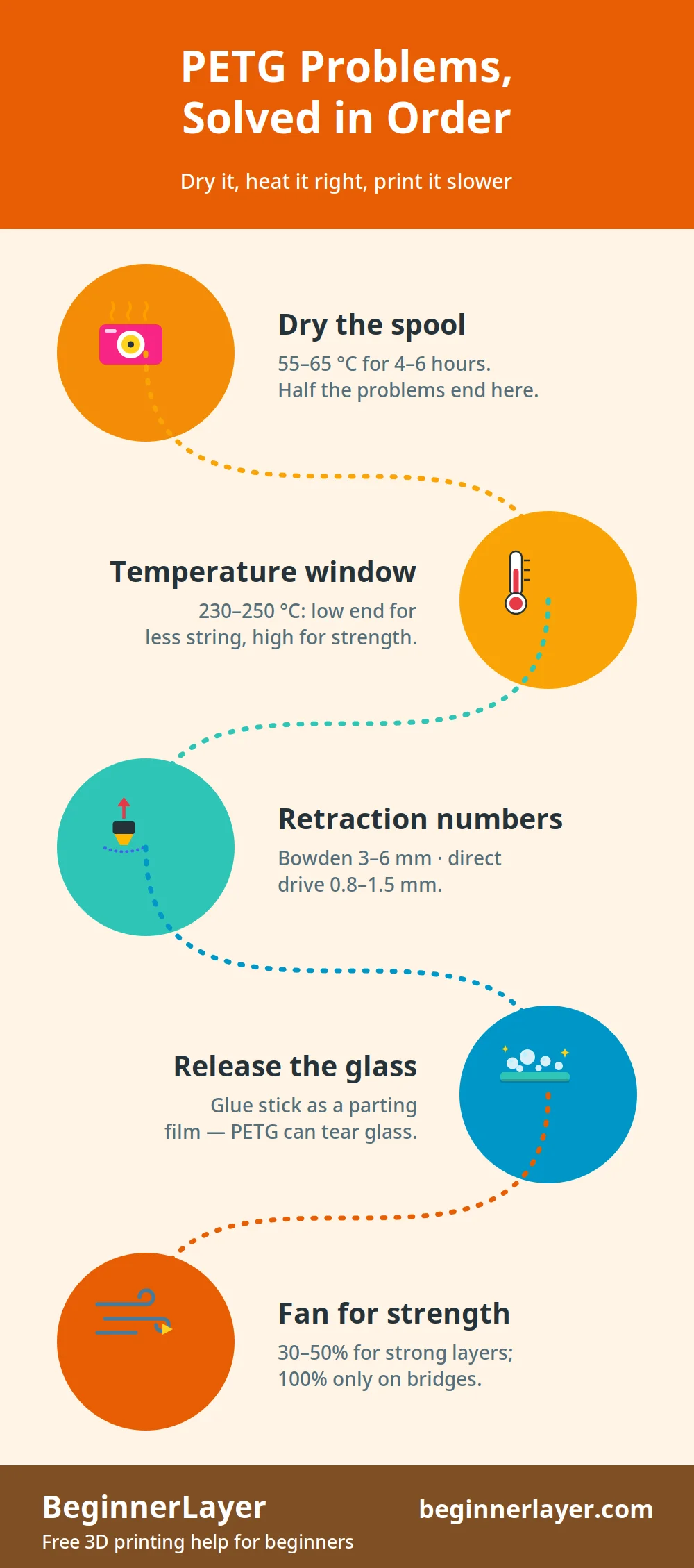
PETG strings more than PLA by nature; the goal is managing it to wisps, not eliminating it to zero. Work in this order, because the causes stack: dry the filament first (moisture makes strings foamy and plentiful — 55–65 °C for 4–6 hours; our storage and drying guide has the full method). Then temperature: print at the low end of the spool's range that still gives strong layers — every unnecessary degree adds ooze. Then retraction: Bowden setups 3–6 mm at 25–40 mm/s, direct drive 0.8–1.5 mm; past those numbers you gain little and risk pulling melt into the cold zone. Travel speed up (150–200 mm/s) shortens the time a string can stretch. The deep dive, including combing and wipe settings, is our stringing guide — the PETG chapter of it is simply 'all of the above, plus dryness'.
Problem 2 — blobs, zits and a nozzle that collects plastic
Molten PETG loves sticking to the nozzle, where it accumulates into a growing blob that eventually drops onto the print as a zit — or worse, drags across it. A silicone sock keeps the block insulated and gives plastic less to cling to; a brass brush wipe between prints keeps the nozzle face clean (never steel wool on a coated nozzle). In the slicer, blobs that appear at layer changes are the seam: set seam placement to a corner or aligned at the back, enable retract-on-layer-change modestly, and consider wipe-while-retracting. Blobs mid-wall, with popping sounds, are moisture again — PETG announces wetness with surface defects before it announces it with weakness.
Problem 3 — sticking too well (and tearing the plate)
On smooth glass and some PEI surfaces, PETG can weld. The defence is a release layer: a thin smear of glue stick, a spritz of hairspray, or painter's tape — used here not as adhesive but as a parting film. Let the part and plate cool completely before removal; PETG releases far more kindly cold than hot. On textured PEI spring-steel plates (the standard on modern Bambu, Prusa and Creality machines) PETG usually releases safely once cool — flex the plate and it pops. Never print PETG on bare glass you care about. Conversely, if PETG will not stick at all, the plate is greasy or the bed is cold: wash, and use 70–80 °C.
Problem 4 — weak layers, haze and roughness
PETG printed too cold looks fine and snaps easily: layers need genuine melt-fusion, and for PETG that means the upper part of its range on structural parts (240–250 °C for many spools), with cooling fan reduced to 30–50% or off for maximum strength. Part cooling is the strength-versus-prettiness dial — full fan gives crisper overhangs and weaker layers. Cloudy, hazy walls on transparent PETG mean moisture and micro-bubbles; dry the spool and slow down. Rough, torn-looking top surfaces at speed mean the melt cannot keep up: cap volumetric flow or drop to 40–60 mm/s on outer walls.
Problem 5 — first layer and bridging quirks
PETG's first layer wants to be laid, not smashed: give it slightly more Z-offset clearance than PLA (about 0.02 mm higher) or it smears, balls up and drags. Bridges sag and string because the melt stays stretchy — slow bridges to 25–35 mm/s with full fan on the bridge itself. Small parts and fine detail are where PETG is honestly at its worst; if a model is tiny, intricate and full of travel moves, PLA will print it cleaner, and choosing the right filament is also a fix.
PETG vs the alternatives: choosing honestly
Many PETG problems are really selection problems. If the part is decorative, detailed, or covered in travel moves, PLA will print it cleaner with a tenth of the fuss — PETG's strength buys nothing on a desk ornament. If the part lives outdoors, carries load, holds hot water or sits in a car, PETG's toughness and heat tolerance (it softens around 80 °C, well past PLA's ~55 °C) earn their settings. If the part needs real heat resistance or lives under sustained load in a hot space, that is ASA/ABS territory with an enclosure — PETG creeps under constant load in warmth in a way beginners rarely expect. And for anything that must flex thousands of times, TPU outlasts PETG, which fatigues and cracks at flex points. The filament drawer is a toolbox: half of 'PETG problems' disappear when the job is handed to the material that wanted it.
Storage is the other half of PETG ownership: it absorbs moisture faster than PLA and shows it sooner, so PETG lives in a dry box or sealed bag with desiccant between prints, and goes back in the dryer for 4–6 hours after a humid week out. Owners who build that habit stop meeting most of this page's problems at all.
PETG first-layer and plate pairings, settled
Because 'PETG won't stick' and 'PETG won't release' are both weekly forum posts, here is the pairing table in one place. Textured PEI spring steel (the modern default): prints stick well and release with a flex once cool — the best all-round PETG surface, no release layer needed. Smooth PEI: sticks very well — use a glue-stick release layer to protect the surface. Glass: always a release layer; bare glass is the one pairing that regularly ends in a chipped plate. BuildTak-style surfaces: grip is strong; reduce first-layer squish and remove parts warm-but-not-hot with care. Painter's tape: the old reliable — cheap, replaceable, and a perfectly good answer for a machine that only prints PETG occasionally. Whichever surface you choose, the first layer wants a touch more clearance than PLA (about 0.02 mm) and a slower first layer (20–30 mm/s): PETG laid gently grips; PETG smashed down smears, balls and drags.
| PETG starting point | Value |
|---|---|
| Nozzle temperature | 230–250 °C (low end for less stringing, high end for strength) |
| Bed temperature | 70–80 °C; release layer on glass |
| Drying | 55–65 °C, 4–6 hours, before blaming settings |
| Retraction | Bowden 3–6 mm @ 25–40 mm/s · Direct 0.8–1.5 mm |
| Speeds | Walls 40–60 mm/s · Bridges 25–35 mm/s · Travel 150–200 mm/s |
| Cooling fan | 30–50% for strength · 100% on bridges only |
Common mistakes
- Printing PETG with a PLA profile and PLA expectations — temperature, retraction and fan all differ.
- Chasing zero stringing with retraction alone on a wet spool; dry first, it is half the problem.
- Printing on bare glass — the part may take a chip of the bed with it when it cools.
- Full cooling fan for strength parts; PETG layers weld weakly when chilled hard.
- Smashing the first layer like PLA — PETG wants a touch more clearance, or it balls and drags.
Printable quick-fix summary
- Dry PETG first: 55–65 °C, 4–6 hours. Half of 'PETG problems' are moisture.
- Nozzle 230–250 °C, bed 70–80 °C, walls 40–60 mm/s.
- Retraction: Bowden 3–6 mm, direct drive 0.8–1.5 mm. Travel fast, 150–200 mm/s.
- Glass bed? Release layer (glue stick) — PETG can tear the surface.
- Weak layers: hotter + fan down to 30–50%. Blobs: clean nozzle, sock, seam settings.
Print this box (the page is print-styled for it) and keep it by the printer.
Opens the print dialog — choose “Save as PDF” and you get this page as a clean BeginnerLayer PDF, masthead and all.
Questions people ask
Is PETG stronger than PLA?
For functional parts, generally yes: PETG flexes instead of shattering, tolerates heat and sunlight better, and its layers weld strongly when printed hot with modest cooling. PLA is stiffer and prints finer detail more easily, so 'stronger' depends on the job.
Why does my PETG keep sticking to the nozzle?
PETG melt is tacky and climbs onto any surface it touches. A clean nozzle face, a silicone sock, slightly lower temperature and wipe settings reduce it; periodic brass-brush cleaning between prints keeps it from compounding.
Can PETG damage my build plate?
On bare glass and some smooth surfaces, yes — it can bond hard enough to pull chips out as it cools. Use a release layer on glass, or textured PEI (with a full cool-down before removal) and the risk is minimal.
What retraction does PETG need on a direct-drive printer?
Start at 0.8–1.5 mm at 30–45 mm/s. Much more than that pulls molten plastic into the cold zone and invites clogs without meaningfully reducing stringing — drying and temperature do more.
Sources
- Polymaker — PolyLite PETG technical data
- Prusa Knowledge Base — PETG material guide
- BeginnerLayer — stringing fixes