Extruder Clicking: The Sound of Resistance
What the click is telling you
The extruder's job is to grip the filament and push it into the hotend at exactly the rate the print demands. When something downstream resists — a partial clog, a cold nozzle, a kinked path, plastic being asked to melt faster than it can — pressure builds until the motor skips a step backwards or the gear slips on the filament. That skip is the click. Left running, the gear's teeth machine a crescent notch into the filament; once the notch is deep enough the gear has nothing left to grip, extrusion stops entirely, and the printer air-prints the rest of the job. So the first rule of a clicking extruder: pause the print. Every minute of clicking makes the recovery harder.
Quotable fact: A clicking extruder is the drive gear slipping against resistance — Bambu Lab's service documentation and Prusa's extruder-noise guide both treat the click as a symptom of a blocked or overloaded path, not a broken extruder.
Diagnose by timing
| When it clicks | Most likely resistance | First check |
|---|---|---|
| While loading or purging | Blocked path or cold/blocked nozzle | Can you push filament through by hand at full temperature? |
| Only on the first layer | Nozzle too close to the bed — plastic has nowhere to go | Raise Z-offset 0.02–0.05 mm |
| Only on fast sections | Flow demand above the hotend's melt rate | Slow the print 50%: clicks gone = flow limit |
| After 30–90 minutes of printing | Heat creep swelling the filament in the heat break | Hotend cooling fan at full speed? Enclosure door for PLA |
| Only with one spool or material | That spool: tangle, diameter, temperature, moisture | Swap to a known-good spool to split the difference |
| Constantly, with plastic dust at the gear | Established partial clog — gear already grinding | Stop, cut out the notched section, cold pull the nozzle |
Step 1 — save the filament, inspect the evidence
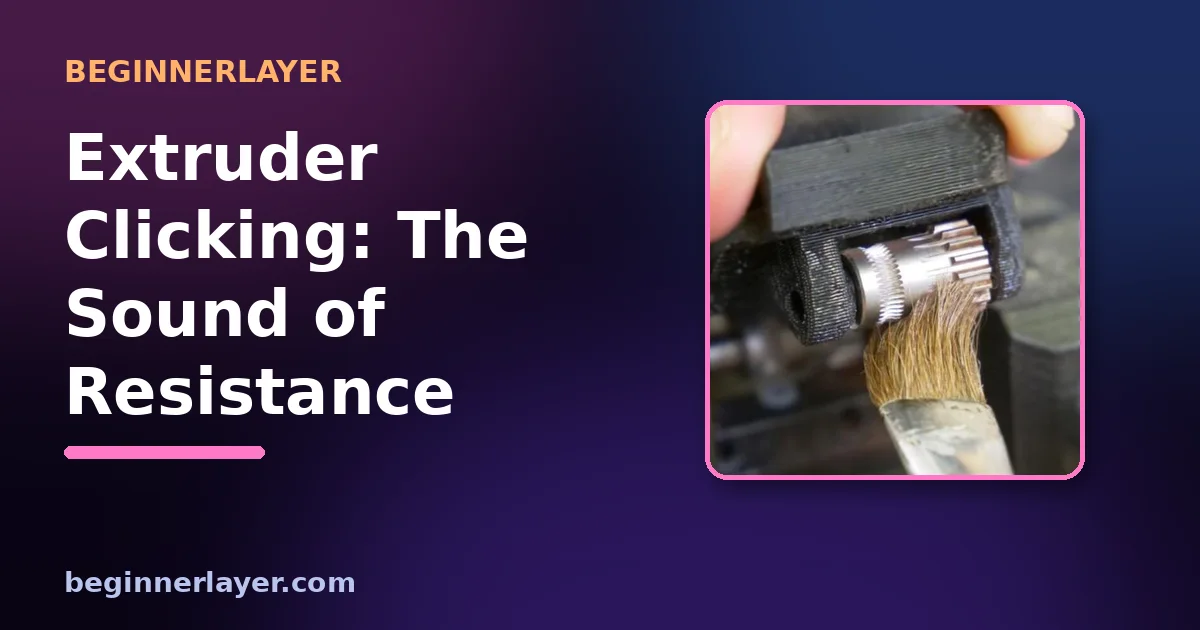
Pause or stop, unload the filament using the printer's normal procedure, and look at the section that sat in the extruder. A deep notch or flattened crescent means the gear has been slipping under load for a while. Plastic dust or shavings around the gear confirm it. Cut the filament back to a clean, undamaged section before reloading — a notched section will jam or slip again even after the real cause is fixed. Brush the dust out of the gear teeth with a stiff brush; packed teeth grip poorly and can cause the very slipping you are diagnosing.
Step 2 — free the path, spool to extruder
Before suspecting the hotend, make sure the extruder is not fighting the supply. A loop of filament trapped under another loop on the spool winches tighter as the print runs — the classic 'fine for an hour, then clicked and stopped'. The spool should rotate with light finger pressure. Follow the tube or path: sharp PTFE bends, a tube pinched by a cable chain, or a filament sensor with a gritty wheel all add drag the gear must overcome. On multi-material systems, check the hub and buffer path too. Resistance anywhere before the gear shows up as clicking at the gear.
Step 3 — the hotend: temperature, then clog
Heat the nozzle to the filament's full printing temperature and push filament through by hand. It should flow with modest hand pressure in a straight, even strand. If it resists, or the strand curls sideways or sputters, the resistance is in the hotend: most often a partial clog (clear it with a cold pull — full method in our nozzle clog guide), sometimes simply a temperature set too low for the material or for the speed — a cold nozzle is a narrow nozzle. Check the actual temperature is stable on screen; a reading that drifts or jumps points at a thermistor or connector problem, which no amount of gear-cleaning will fix.
Step 4 — heat creep and flow demand
Clicks that arrive after the printer has been running a while are heat creep until proven otherwise: the hotend fan has slowed, heat has climbed the heat break, and the filament is swelling and dragging above the melt zone. The fan must spin at full speed whenever the hotend is hot — a lazy or ticking fan is the fix, not a setting. Printing PLA for hours in a closed enclosure invites the same failure; open the door. Clicks only at speed are simpler: the hotend cannot melt fast enough. Our under-extrusion guide covers the flow maths — clicking and starved lines are the same overload with and without sound.
Step 5 — the extruder itself, last
Clicking by machine type
On Bowden machines the click has two extra addresses: the tube itself (a tube that has pulled back from the nozzle leaves a gap where molten filament pools, swells and drags — re-seat it hard against the nozzle after any hotend work) and the couplers, whose worn teeth let the tube pump in and out under pressure changes, stealing extrusion in little bites. On direct-drive machines the path is short, so clicking points more purely at the hotend: clog, temperature, or heat creep. On multi-material systems (AMS, MMU and similar), add the shared path to the suspect list — a hub, buffer or splitter with a sliver of broken filament inside resists every load and purge, and the click appears with all spools, which is the clue that separates a path fault from a spool fault.
And one diagnostic gift: note whether the clicking is rhythmic or chaotic. A click at a steady rhythm, repeating with the spool's rotation, is the spool or the path feeding it. Chaotic clicking that worsens with speed is pressure — the hotend end of the story. Rhythm is information; listen for it before you open anything.
After the fix: proving it stayed fixed
A cleared click has a way of returning at hour three of the next long print, so verify under the conditions that caused it. Run the same profile that clicked, at full speed, for at least the duration that previously triggered the fault — heat creep in particular needs time to declare itself, and a ten-minute test print proves nothing about a ninety-minute failure. While it runs, mark the filament with a pen line above the extruder and watch it feed in smooth, continuous motion rather than in little jerks; jerky feeding with no audible click is the same fault whispering. Keep the notched offcut you removed: if clicking returns, compare the new notch's position with the old — a notch at the same distance from the spool end both times points at the spool or path; a notch at a random position points downstream, at the hotend. Diagnosis is a habit of noticing, and the click is the printer noticing first — the goal is to need it less often.
Only with the path proven free, suspect the feeder. Idler tension: too loose and the gear skates on the filament; too tight and it crushes soft filament (TPU especially) into an oval that jams in the tube. A cracked plastic extruder arm — flex it and look underneath — loses grip pressure while looking innocent. Worn gear teeth, polished smooth by months of slipping, grip nothing. These are real faults, but they are the minority: Smith3D's and Spool3D's teardowns of this problem both land in the same place — trace the resistance first, and the 'broken extruder' usually turns out to be a blocked nozzle, a tangled spool, or a dying fan.
Common mistakes
- Letting it click 'to see if it clears' — the gear is milling the filament thinner every minute, guaranteeing a worse jam.
- Tightening the idler screw as the first response; more grip on a blocked path just grinds faster.
- Raising temperature blindly — it can mask a cold-nozzle setting, but on a clog it cooks the blockage harder.
- Reloading the same notched section of filament after clearing the clog, then concluding the clog is back.
- Replacing the extruder before pushing filament through the hotend by hand — a two-minute test that splits the diagnosis in half.
Printable quick-fix summary
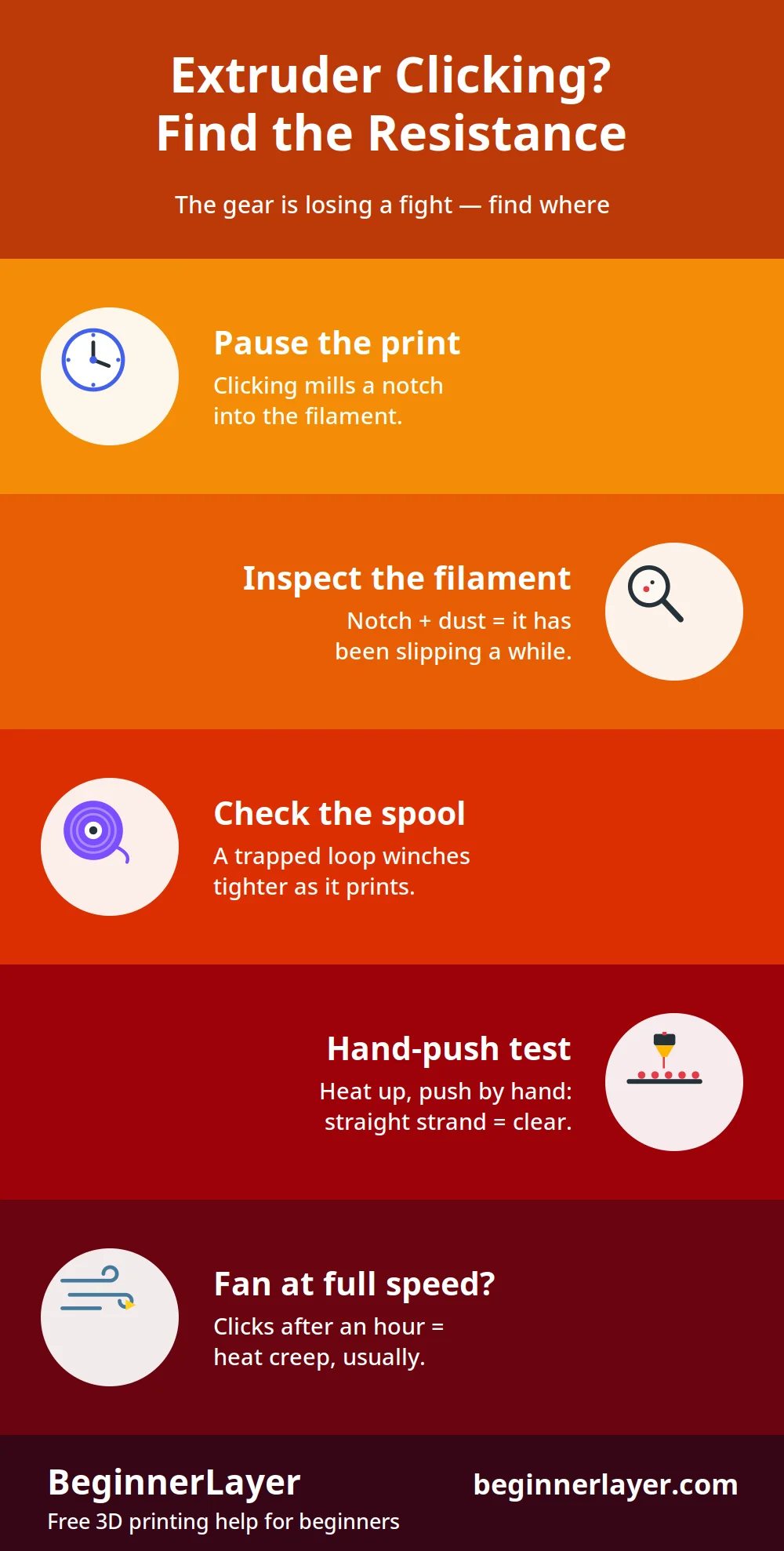
- Clicking = gear slipping against resistance. Pause the print first.
- Inspect the filament: notch + dust = it has been slipping a while. Cut back to clean filament.
- Timing diagnoses it: loading = blockage, layer 1 = Z too low, speed = flow limit, after an hour = heat creep.
- Hand-push test at full temperature: straight even strand, or the hotend is the resistance.
- Check spool freedom and the hotend fan before touching the extruder.
Print this box (the page is print-styled for it) and keep it by the printer.
Opens the print dialog — choose “Save as PDF” and you get this page as a clean BeginnerLayer PDF, masthead and all.
Questions people ask
Is a clicking extruder dangerous for the printer?
Not immediately, but it is destructive slowly: the gear grinds the filament, packs its own teeth with debris, and the print fails. Pause as soon as you hear sustained clicking.
Why does my extruder click only on the first layer?
The nozzle is too close to the bed, so extruded plastic has almost no gap to escape into and back-pressure spikes. Raise the Z-offset in 0.02 mm steps until the first layer is flat, touching, and quiet.
Can a tangled spool really cause clicking?
Yes — a loop trapped under another loop tightens as the printer pulls, until the extruder is winching against the whole spool. It characteristically starts mid-print and gets worse until extrusion stops.
My extruder clicks with TPU but not PLA. Why?
TPU is soft: it buckles in any gap in the feed path and gets crushed by idler tension set for rigid filament. Slow down to 20–30 mm/s, reduce retraction sharply, and ease the idler — flexible filament needs a constrained, gentle path.
Sources
- Smith3D — filament grinding & extruder clicking
- Spool3D (Canada) — extruder clicking or skipping
- Prusa Knowledge Base — extruder noises